THOMAS CHU PHOTO
Photography Tutorial · 2019-01-27
How to Use Photoshop Channels for Fast, Complex Cutouts
Thomas Chu Photo
In an earlier tutorial, "Photoshop Channels Explained: Master Color Grading and Selection Skills," Thomas shared the basics of PS channels.
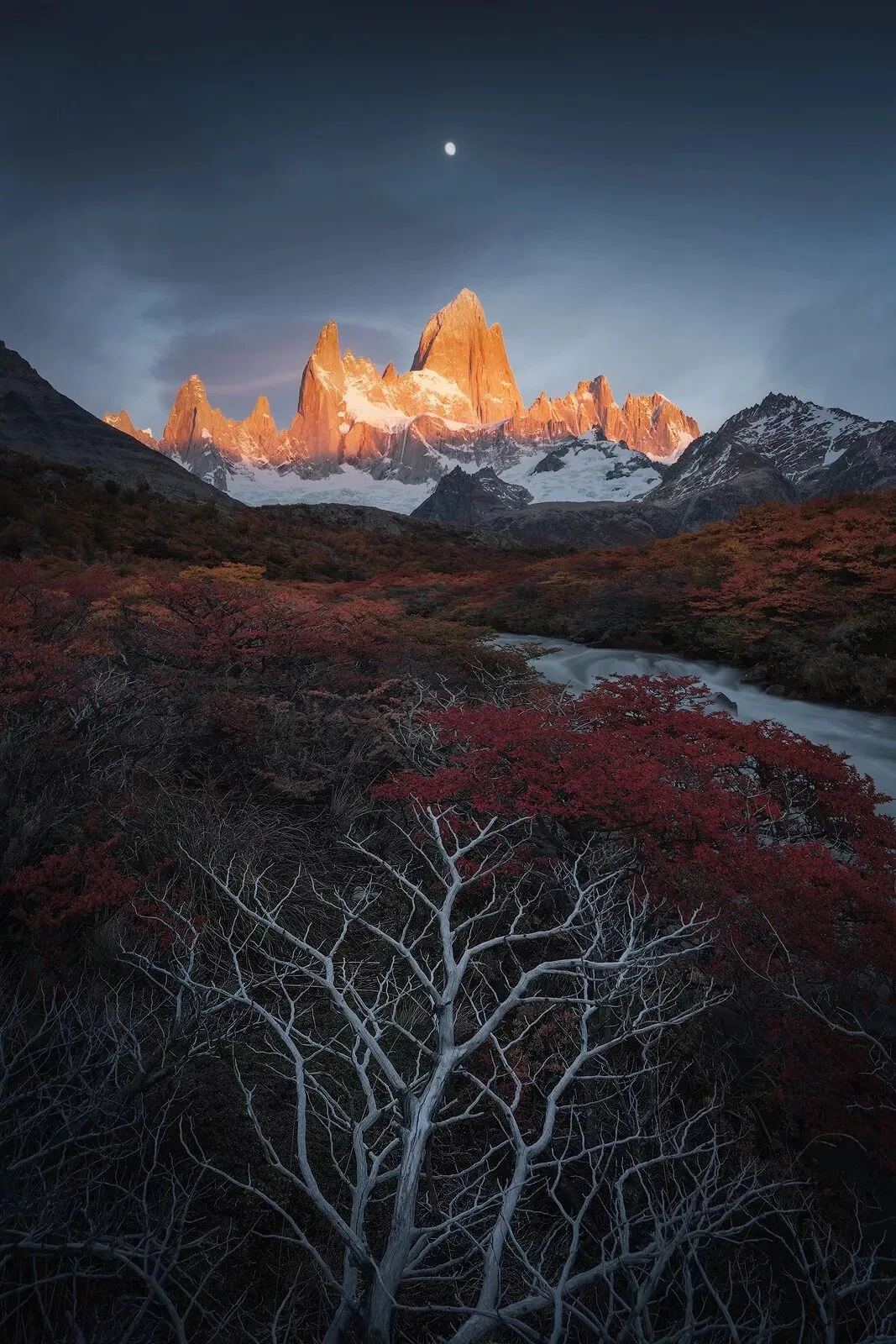
In landscape and portrait retouching, we often need to make local adjustments to subjects with extremely complex edges — hair, foliage, clouds. Today Thomas shares how to use channels for these intricate cutouts.
Video Tutorial
The original frames were shot on a Sony A7R III with a 16-35mm f/2.8 lens and a Fotopro MGC684N tripod~
HD video link (copy into a desktop browser):
https://www.bilibili.com/video/av41807555/
Or follow and search "Thomas Chu Photo" on Bilibili for the latest HD, ad-free tutorials.