Photography Tutorial · 2024-03-03
More Texture in Rain and Snow: How to Capture Crisp Raindrops and Snowflakes
How can we shoot in rain or snow with more depth and texture?
Some enthusiasts notice that in the rain and snow photos by skilled photographers, every snowflake and raindrop is crisp and distinct — while their own shots don't show a single drop or flake clearly, and even seem to have more noise!
In today's tutorial, Thomas will share the reasons behind this and offer three targeted methods to shoot rain-and-snow scenes with clear texture and distinct layering.
Video
▶ Watch the video tutorial on Bilibili
This is the fully illustrated companion to the video above. On location in Greenland in the Arctic, Thomas uses a live snowfall demo to answer a question nearly everyone has run into: why do heavy rain and snow vanish completely in photos? The answer is separation — pulling the precipitation out of the background by one of three methods: frontal flash, backlight, or a contrasting backdrop. Keyframe screenshots below make each method's before/after obvious.
Start with the overview. This slide, captured at 2:57 in the video, lists the three separation methods: light nearby rain and snow with flash or a strong lamp; rim-light the flakes from behind with strong backlight; or find a dark background whose brightness, texture and color differ sharply from the falling snow.

01 Why Rain and Snow Vanish in Photos
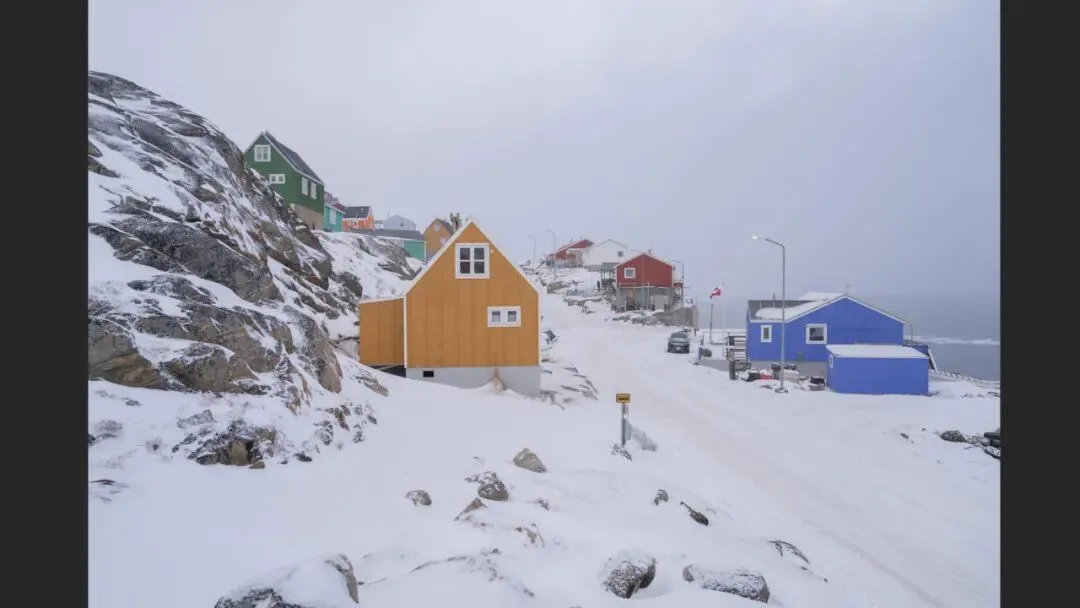
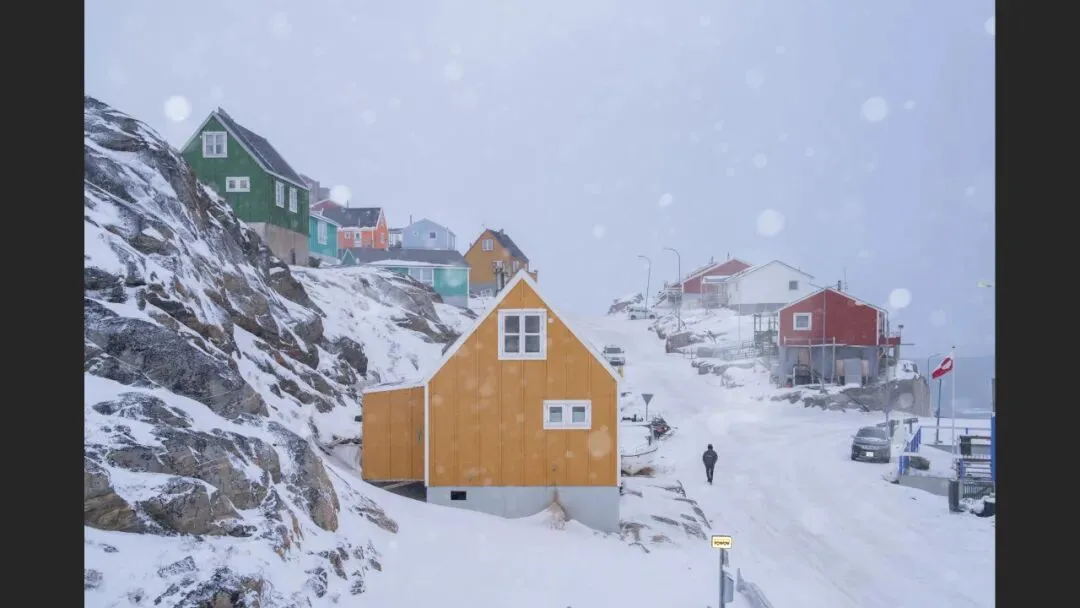
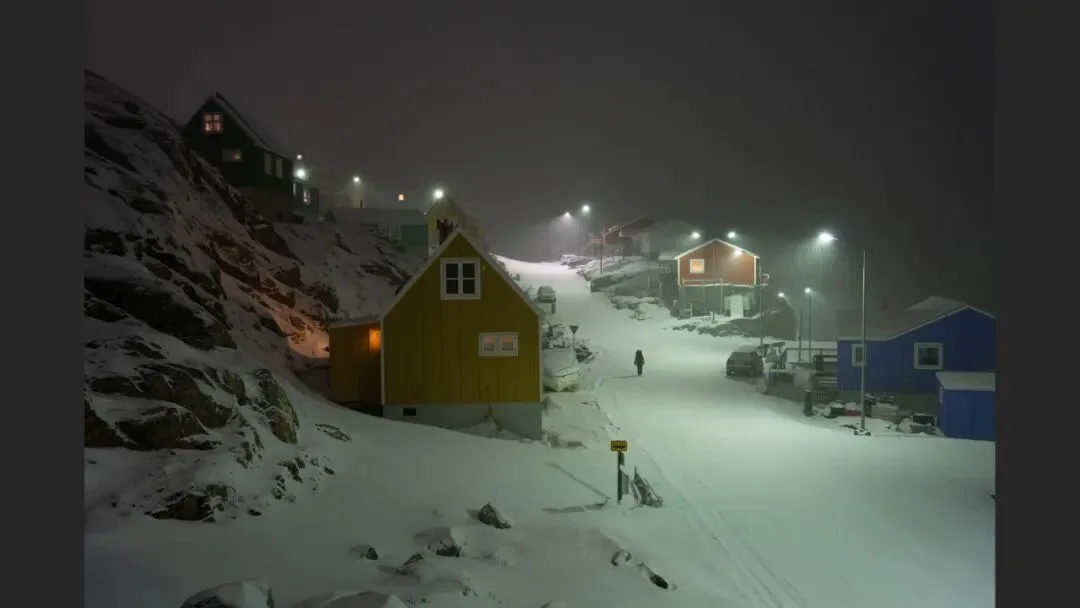
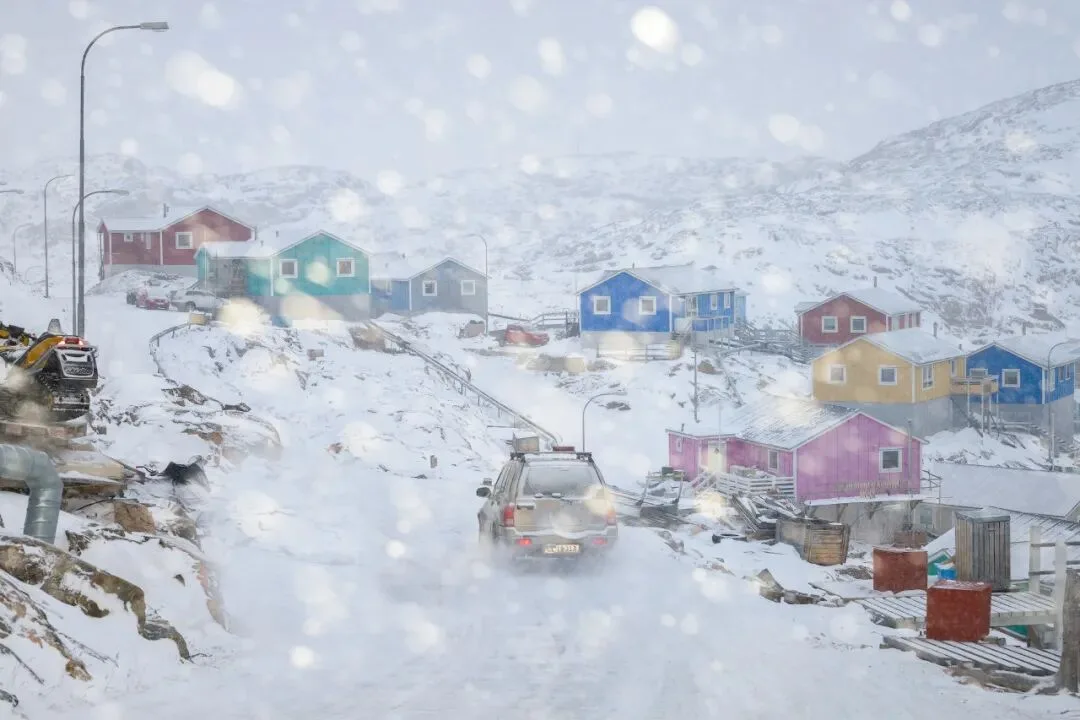
Two reasons stack up. First, rain and snow are extremely fine-grained. Second, they tend to match their background in color, texture and brightness (at 1:02 in the video) — behind Thomas lies a boundless ice field, so falling snow against snowy ground is brightness-on-brightness, texture-on-texture; the flakes are fine, and the result is invisible.

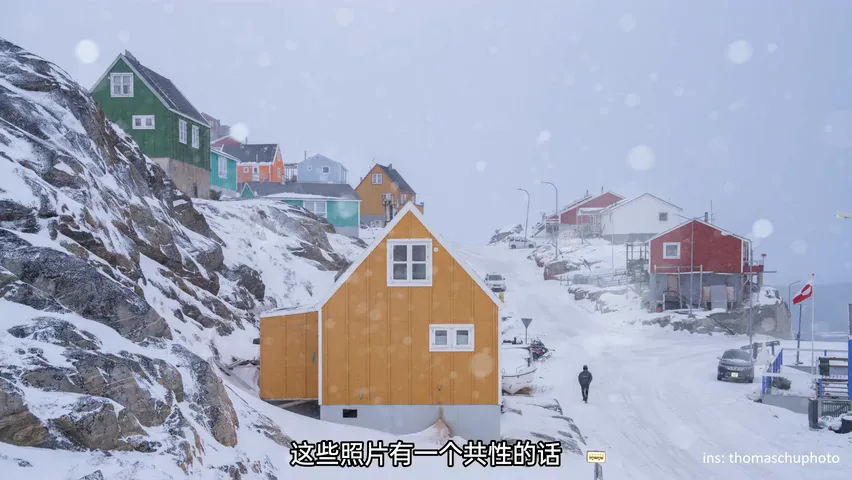
So there is only one guiding idea: separate the flakes from the background. Three methods accomplish it — unpacked one by one below.
02 Method One: Frontal Flash
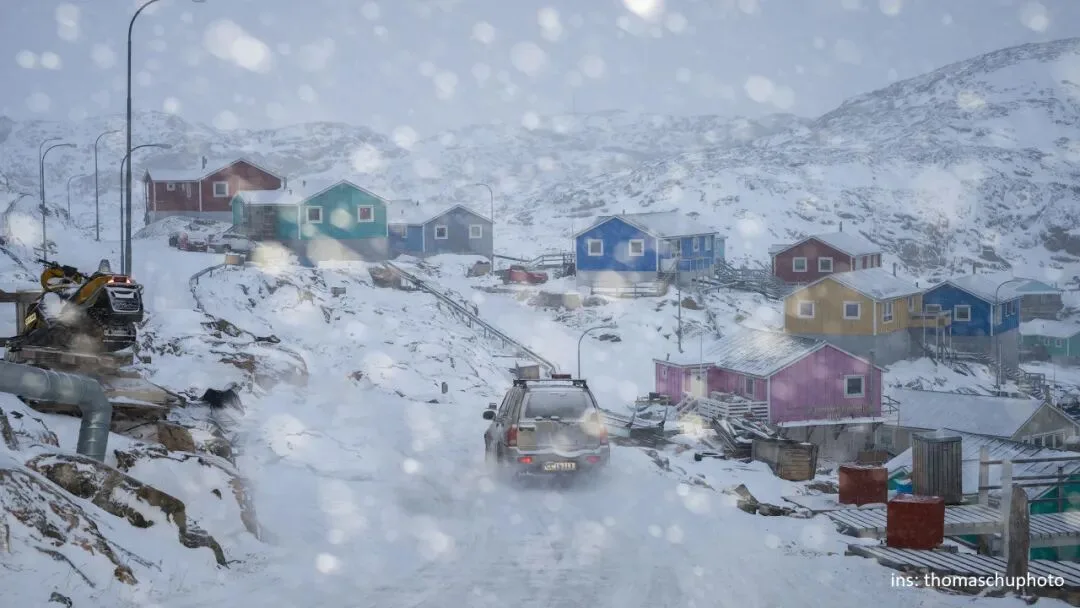
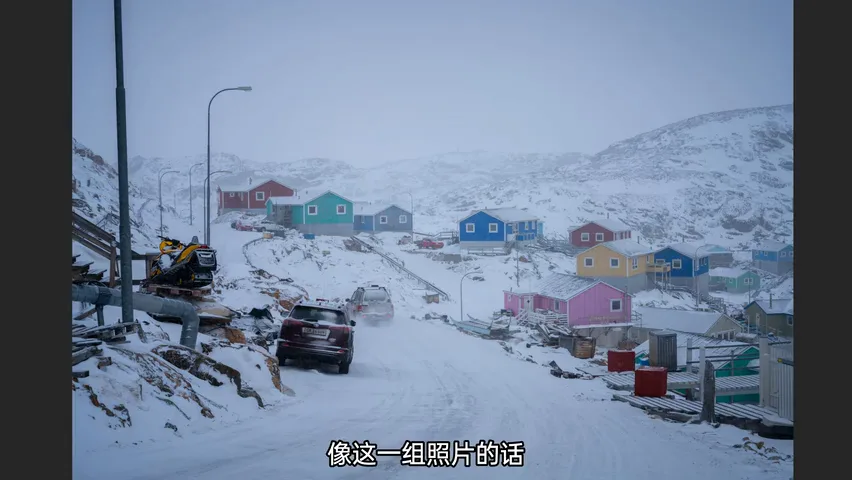
Method one: fire a flash from the front to illuminate the nearby rain and snow — once lit, they read far brighter than the background and separate instantly (at 2:15 in the video). On an overcast snowy day there is no sun to exploit, so an on-camera flash is the only option; stop the aperture down to around F4 or smaller, since a wide aperture makes foreground flakes render huge.

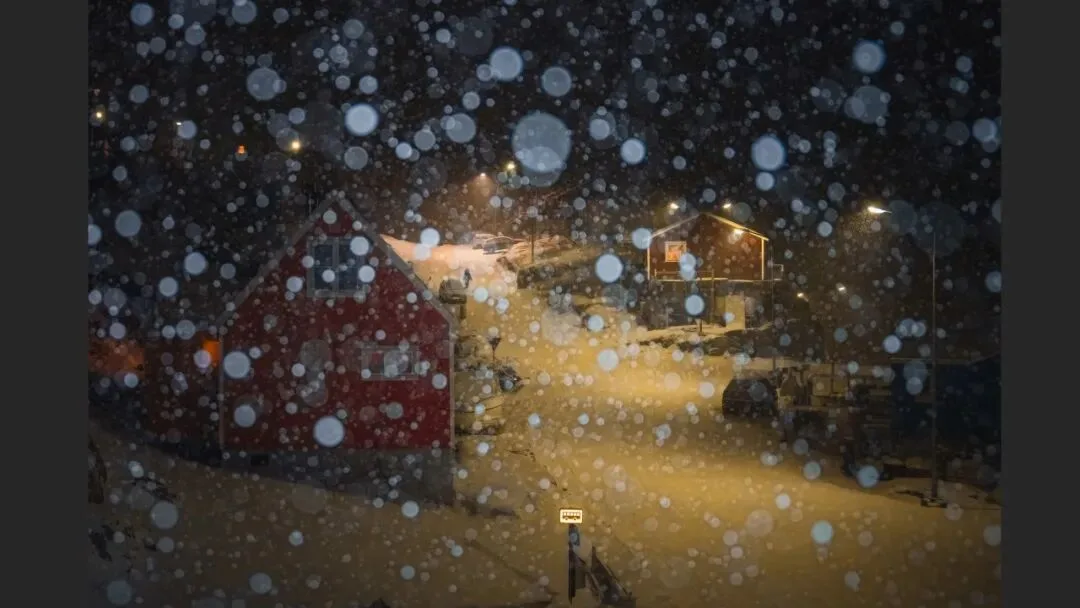
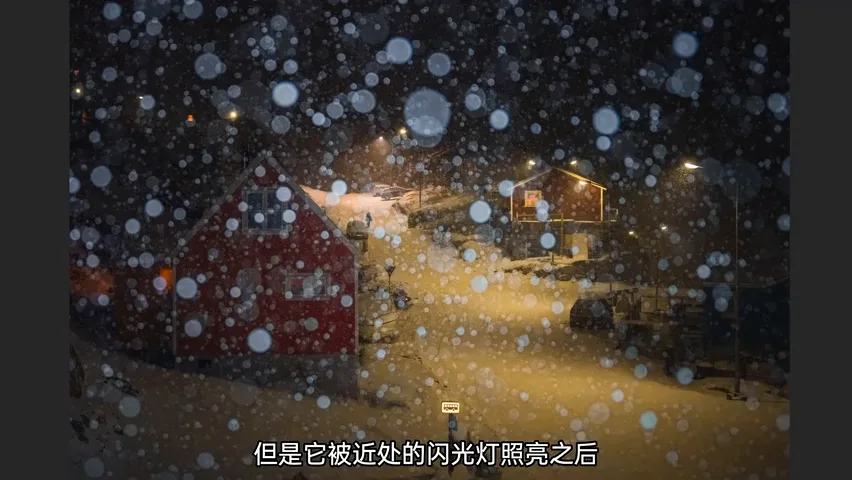
The effect is instant: within the same burst, before the flash you can barely see any flakes; after it fires, the air is suddenly full of them — they only needed to be lit (at 2:32 in the video). Flashing light snow or drizzle at night works nicely too.
03 Method Two: Backlight Rim Light
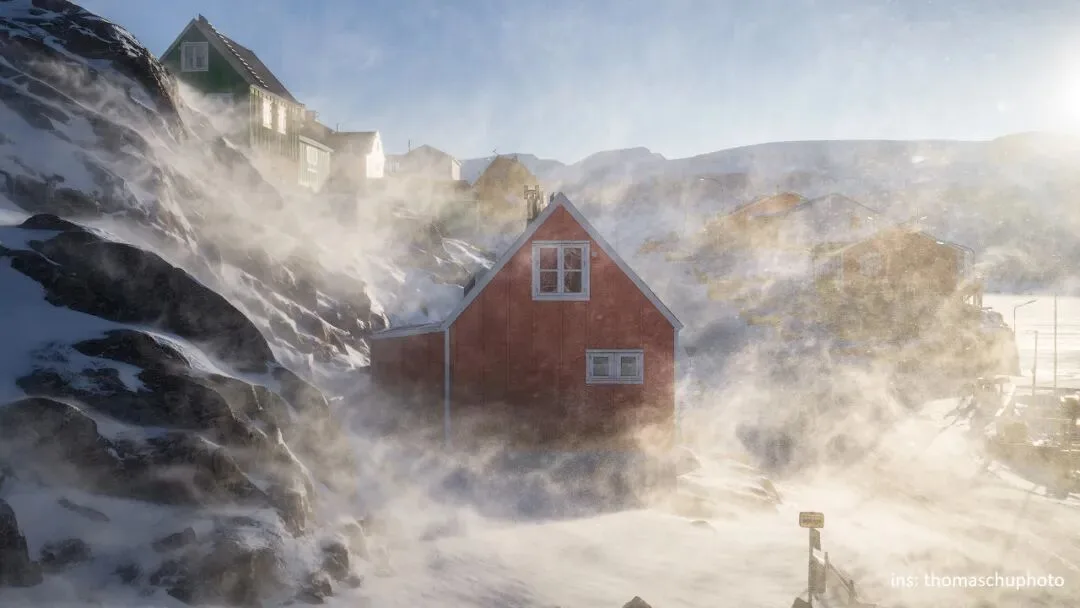
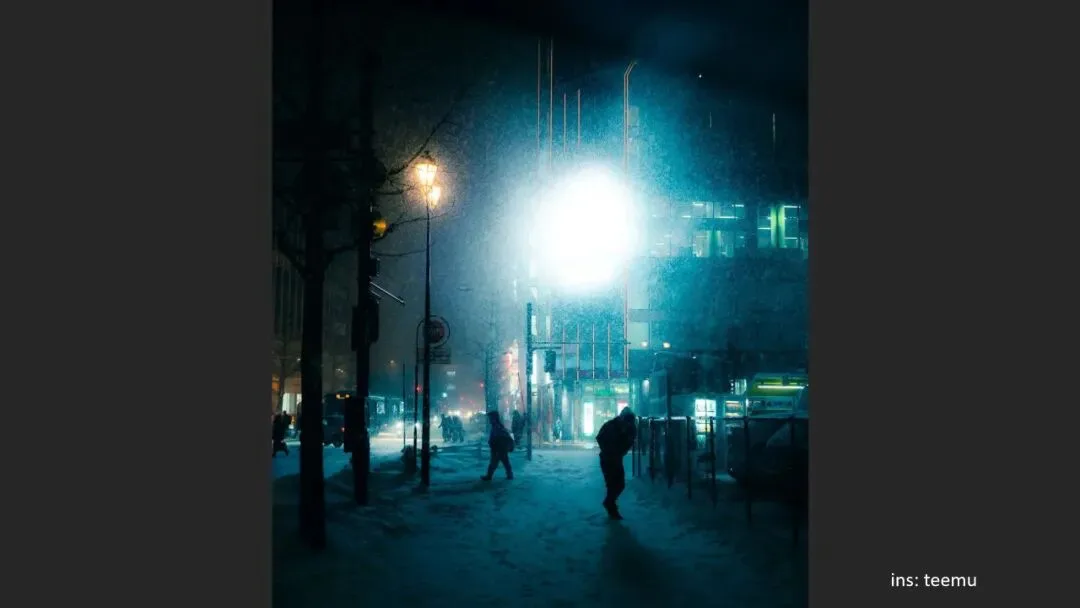
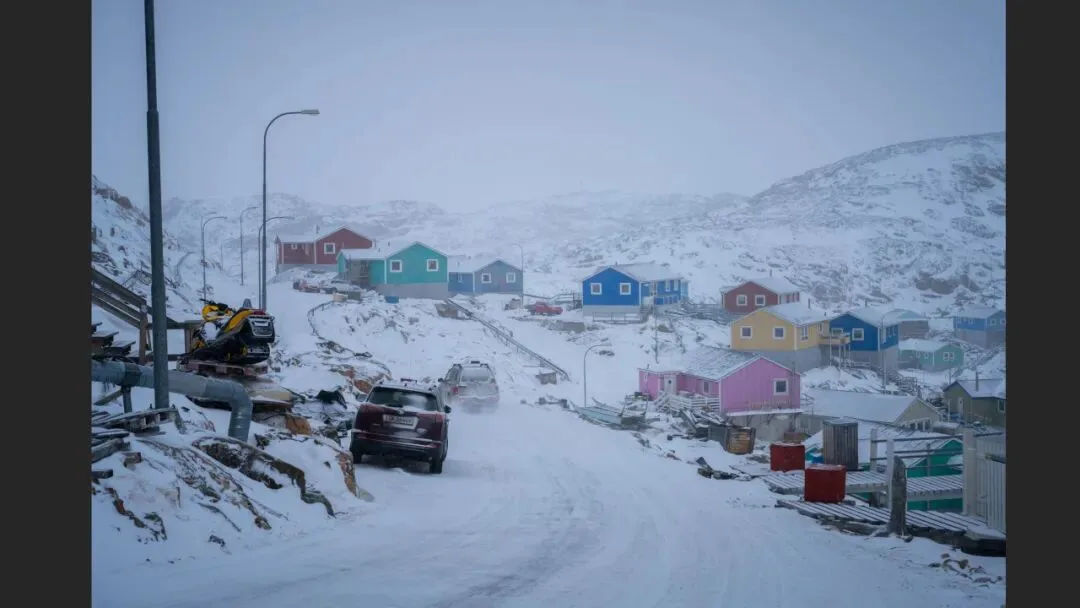
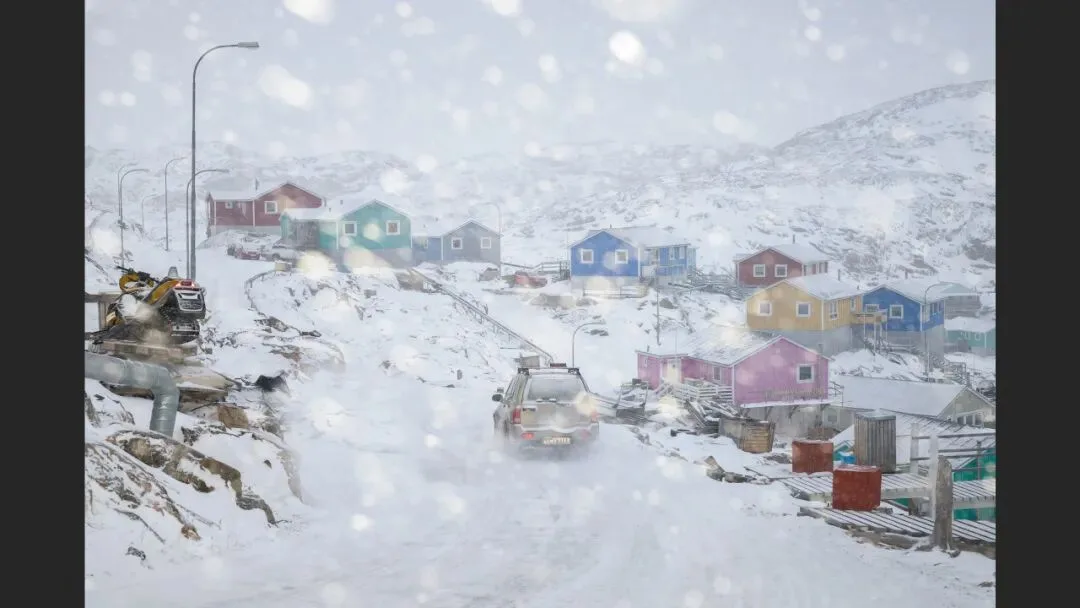
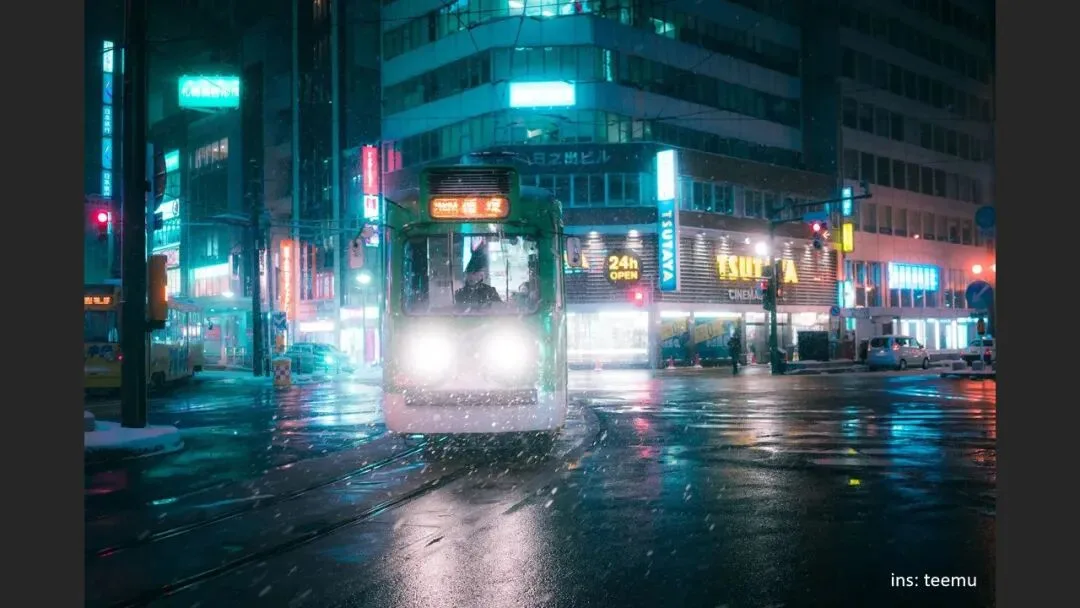
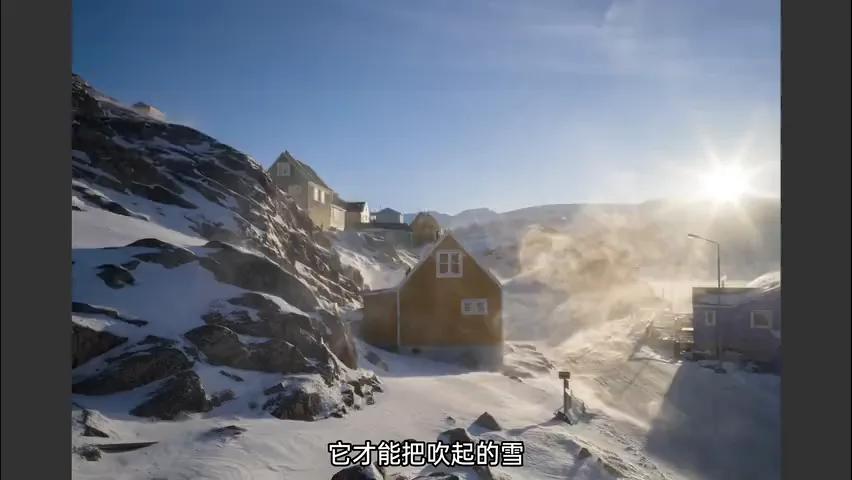
Method two: use a powerful light — sun, street lamp or flash — from behind to rim the flakes, giving them a glistening outline that outruns the background in brightness (at 3:13 in the video). For his burst sequence of blowing snow, the key was shooting into the sun: only backlight makes windblown snow sparkle, and since backlit backgrounds go dark, the lit flakes leap out of the frame — almost exaggeratedly so.
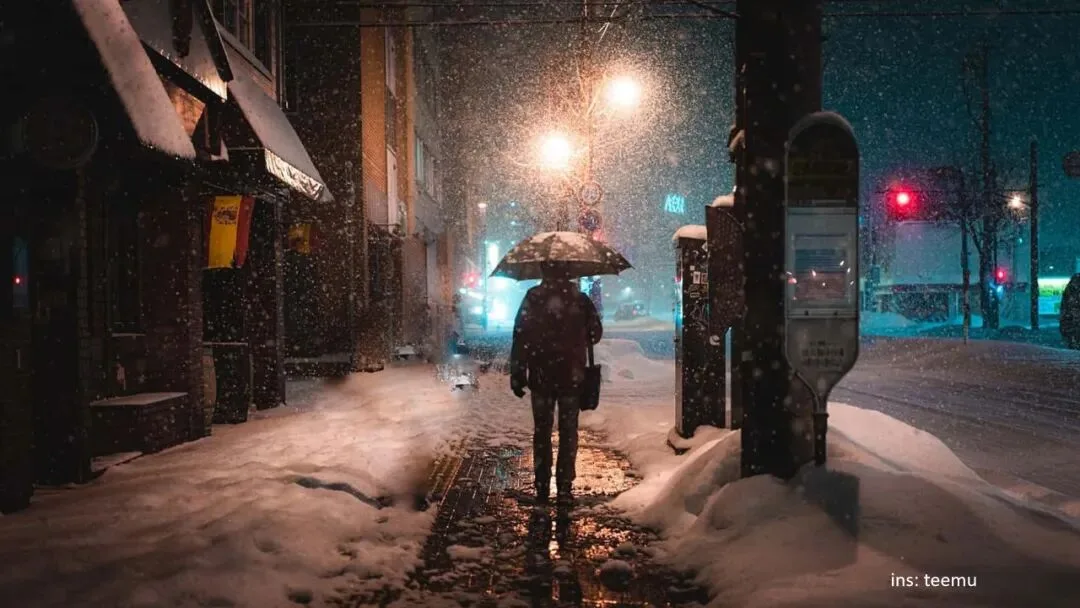
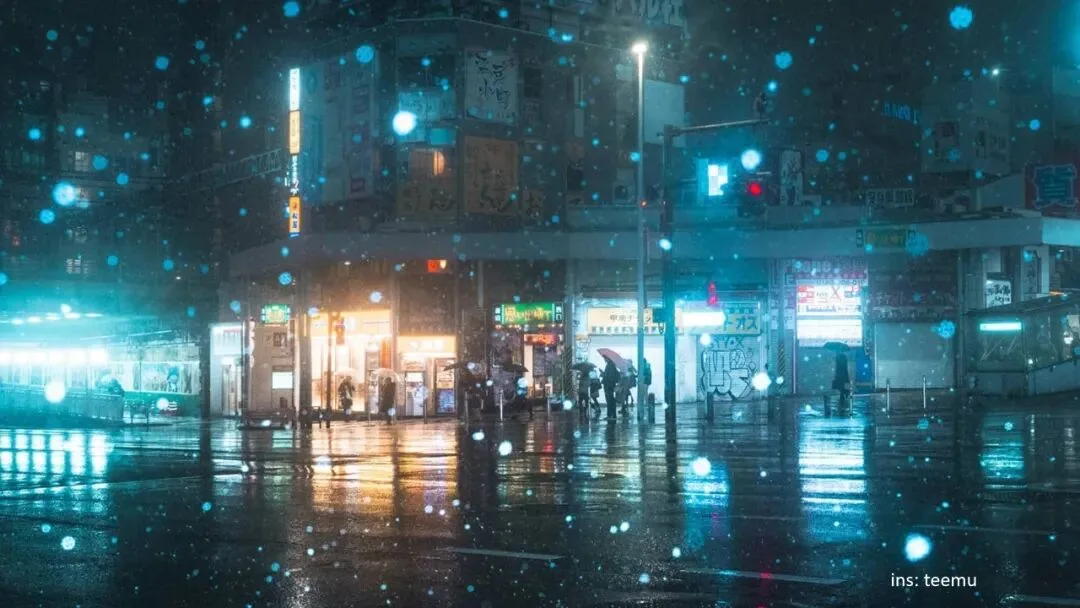
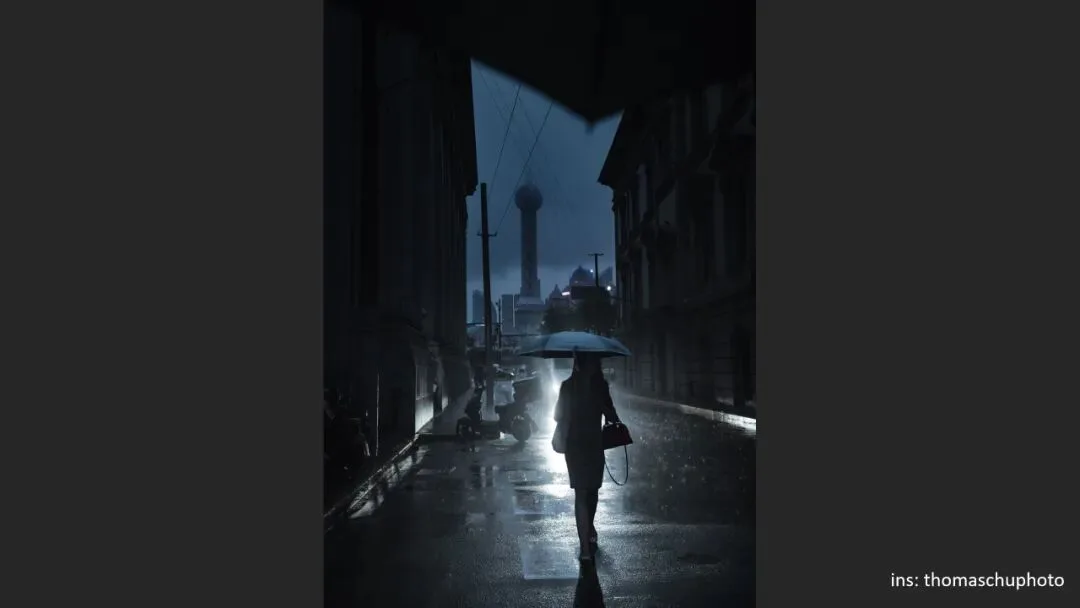
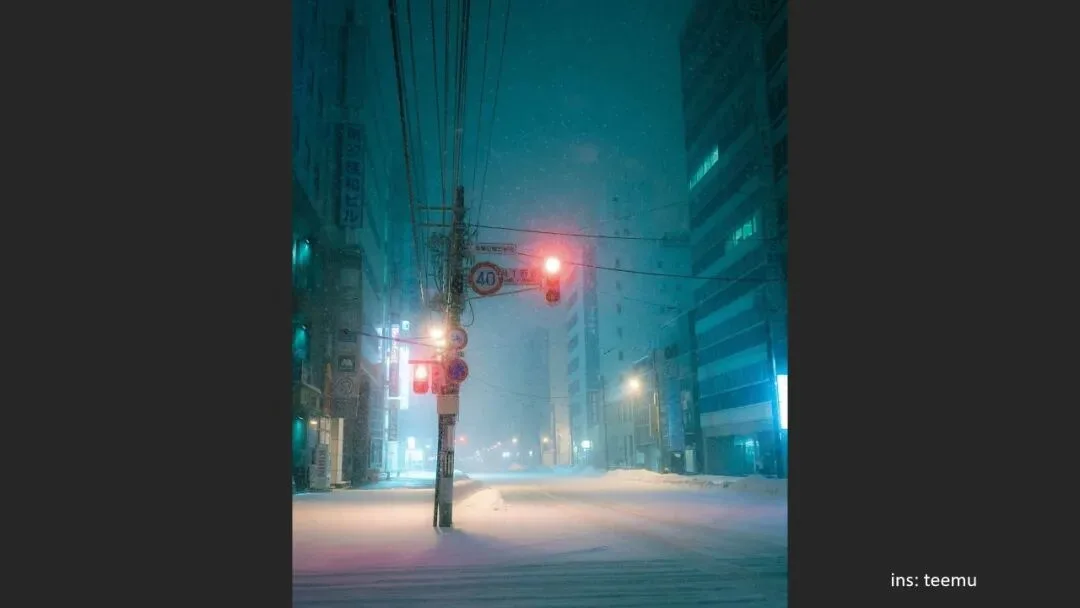
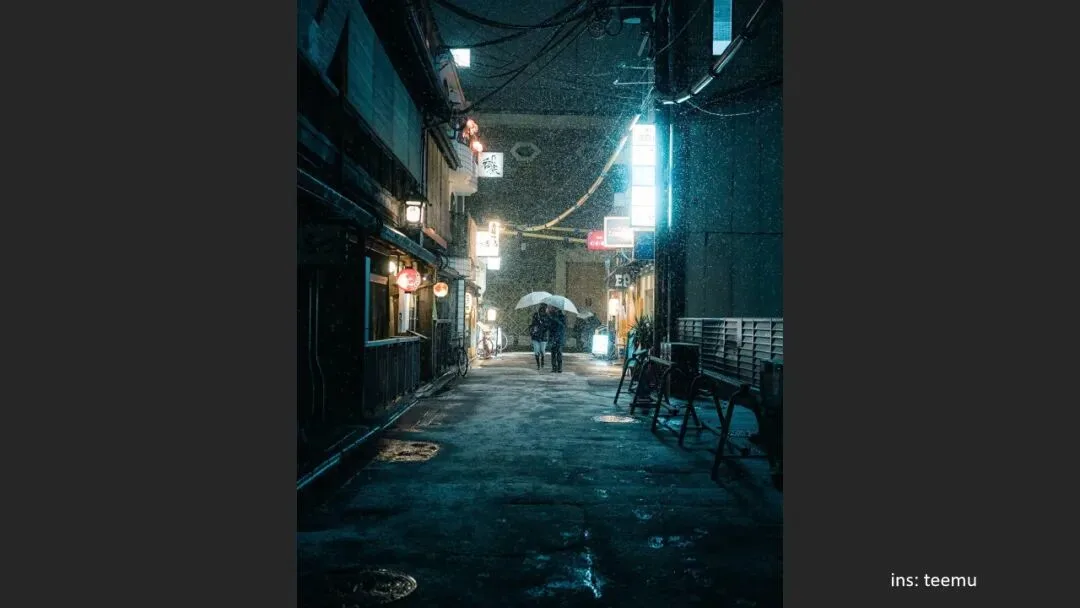
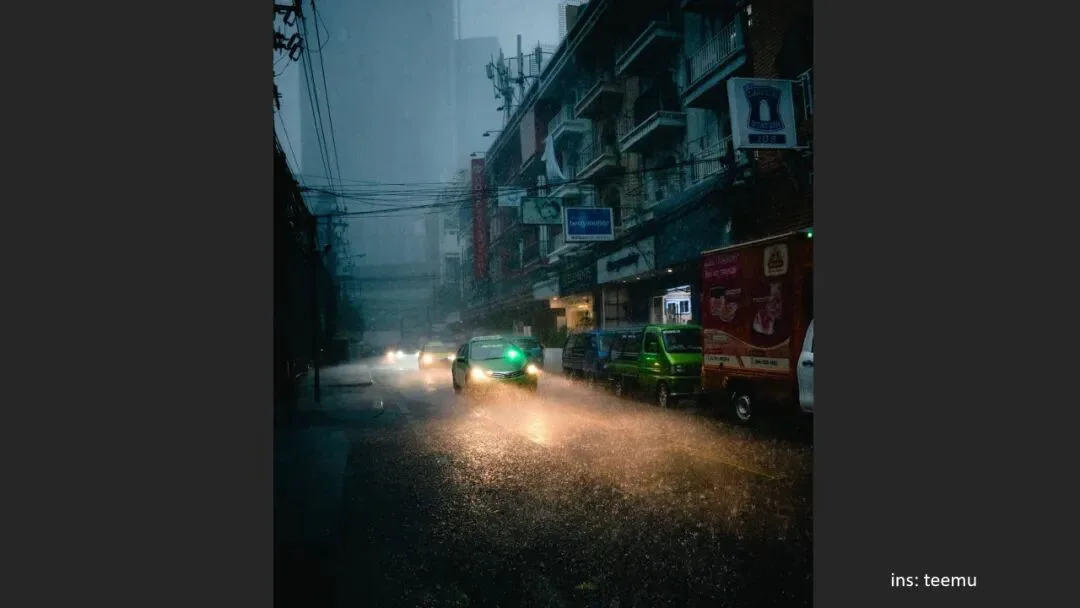
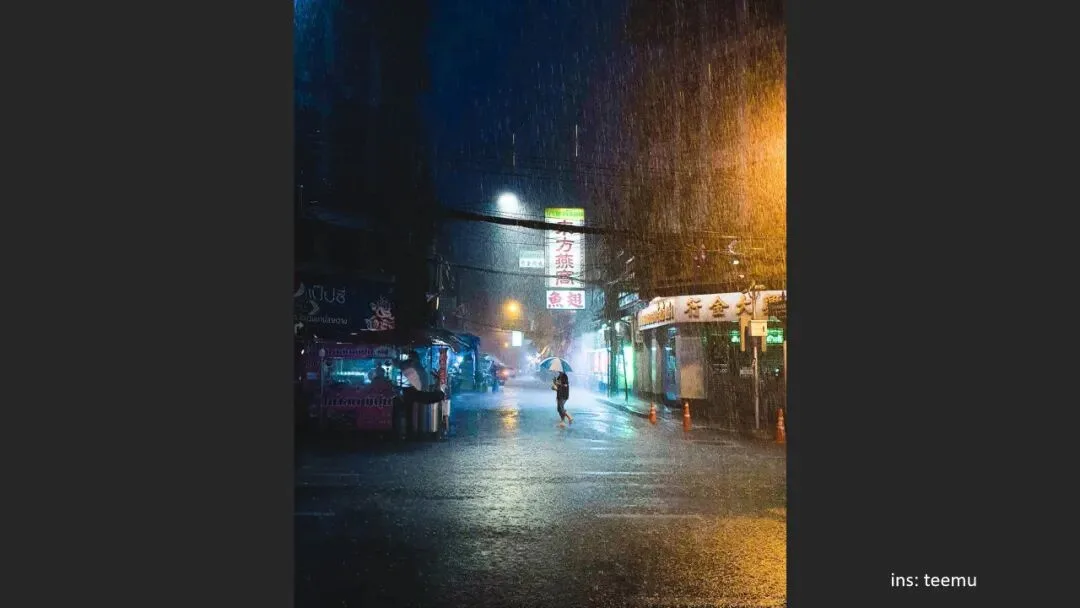
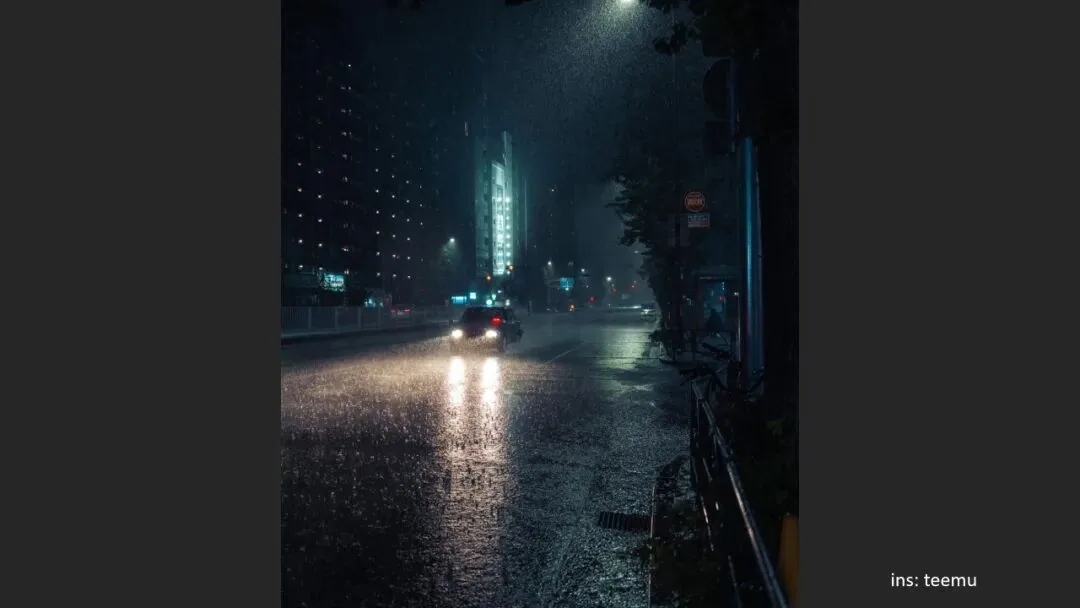
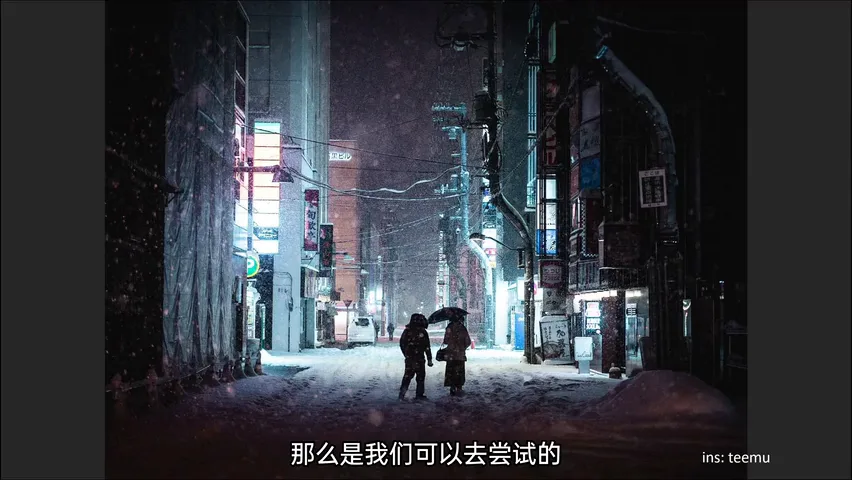
The same works in city nights: shooting rain in Shanghai, Thomas used passing headlights — drops outside the beam were nearly invisible, while in the lit lower corner each grain of rain stood out crisply (at 3:51 in the video). Night shots that light rain or snow with headlights and street lamps carry tremendous atmosphere. Conversely, heavy rain with no light to catch it just looks like noise — the "why is my rainy shot so noisy" complaint is usually unlit rain.

04 Method Three: Let the Background Reveal It
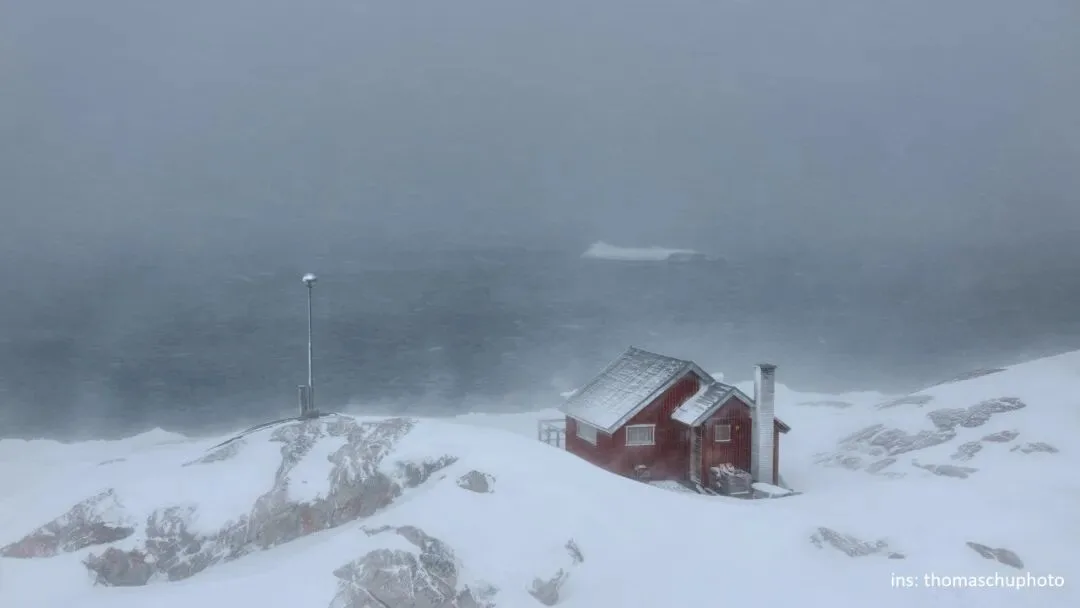
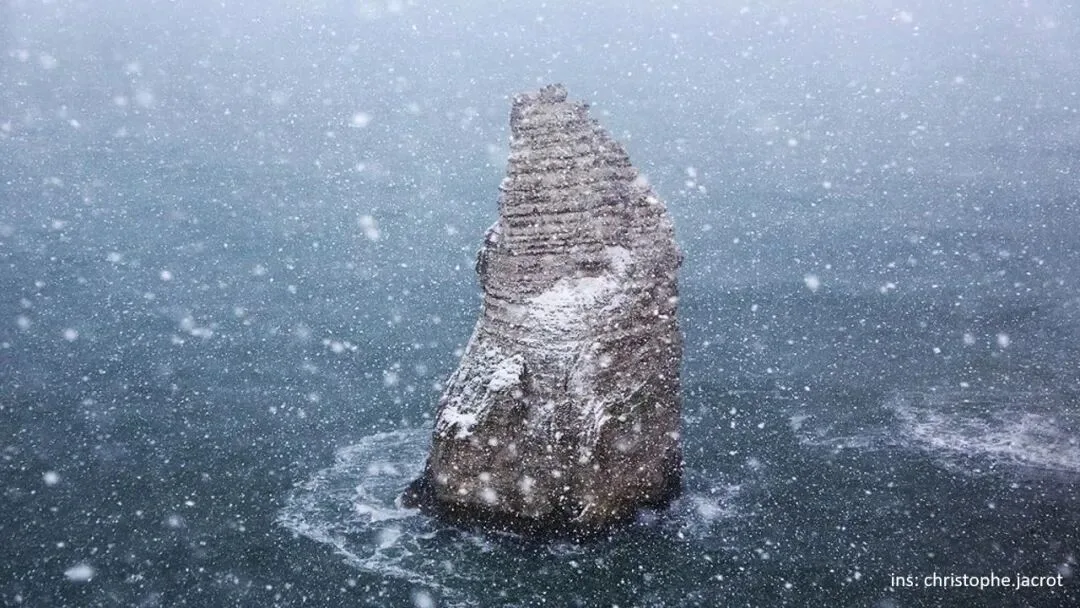
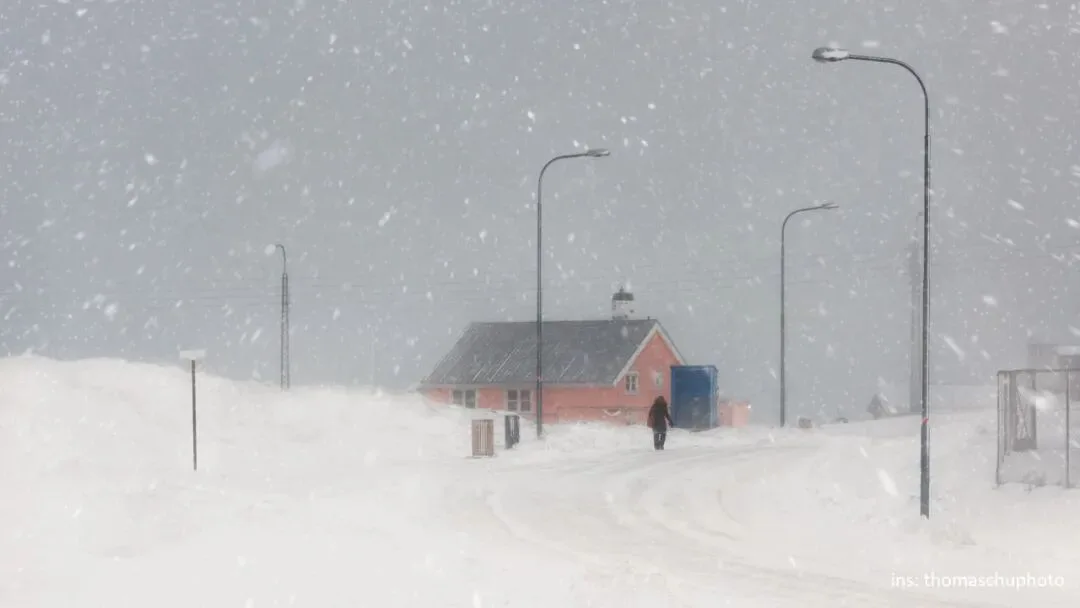
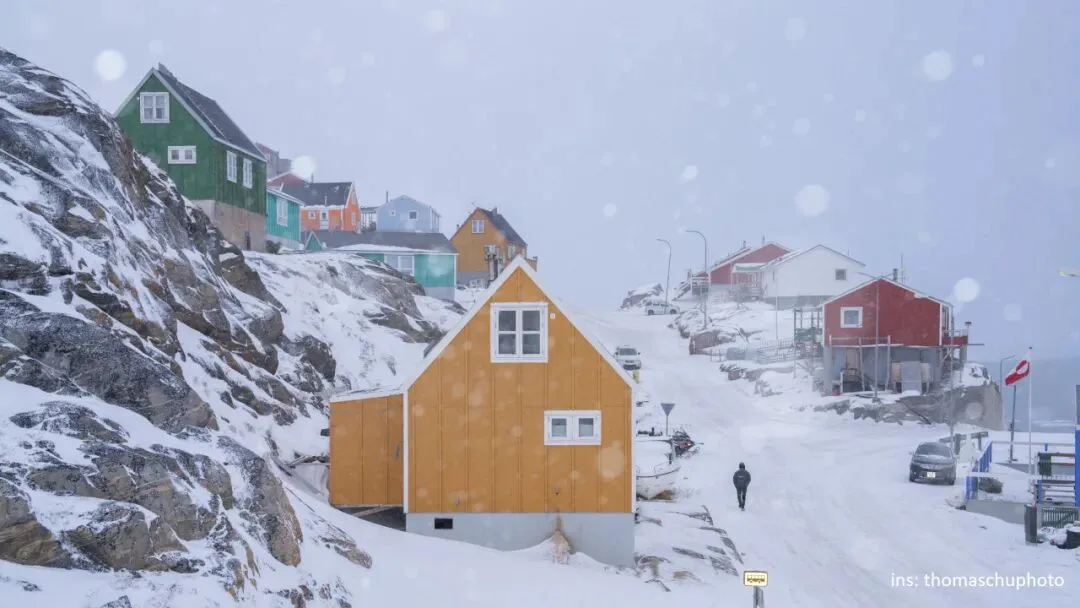
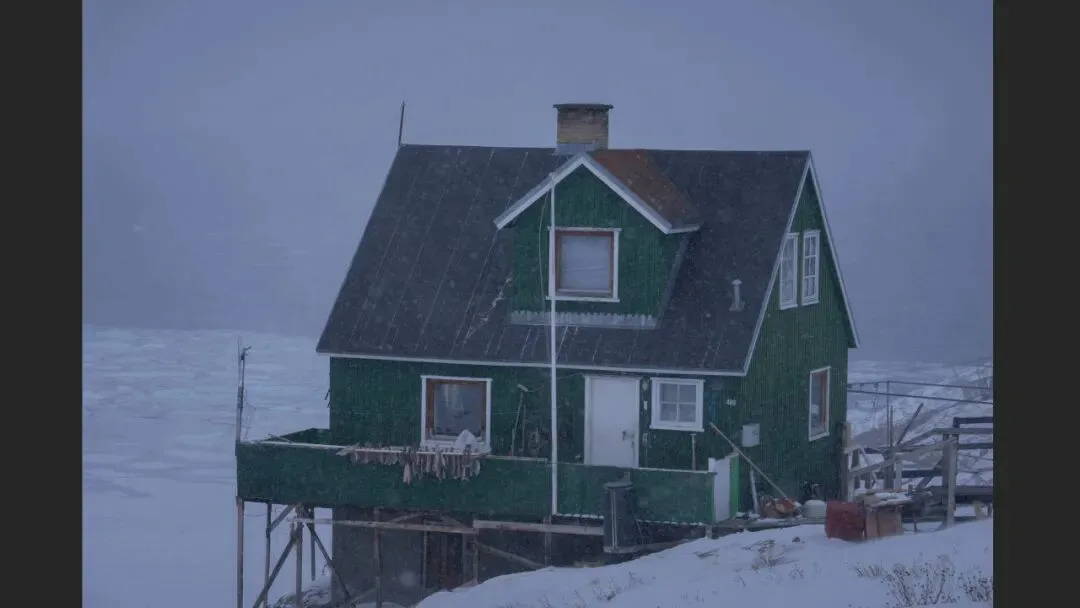
Method three: find a background whose brightness, texture and color differ radically from the precipitation — usually a dark one. Sea water is a classic: the deep teal of the ocean against bright snow differs in texture and luminance so much that every flake reads (at 4:50 in the video). The same logic applies to a green house wall or black roof panels — shift the color and luminance, and the snow becomes obvious.

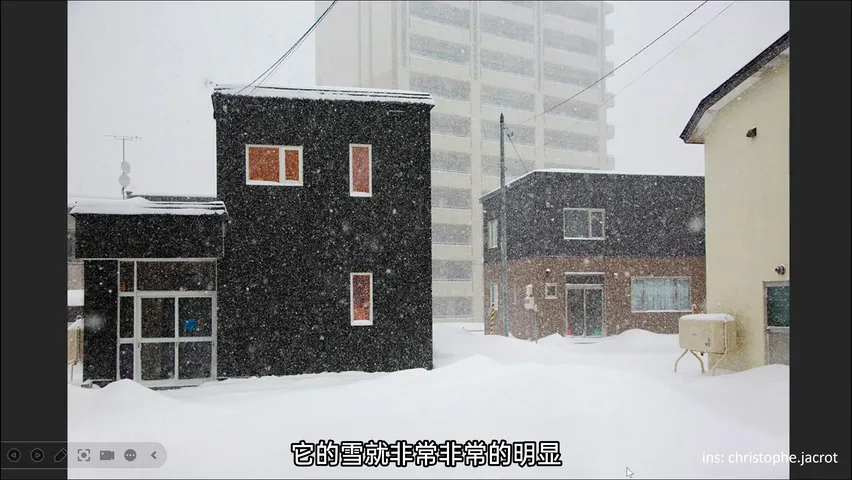
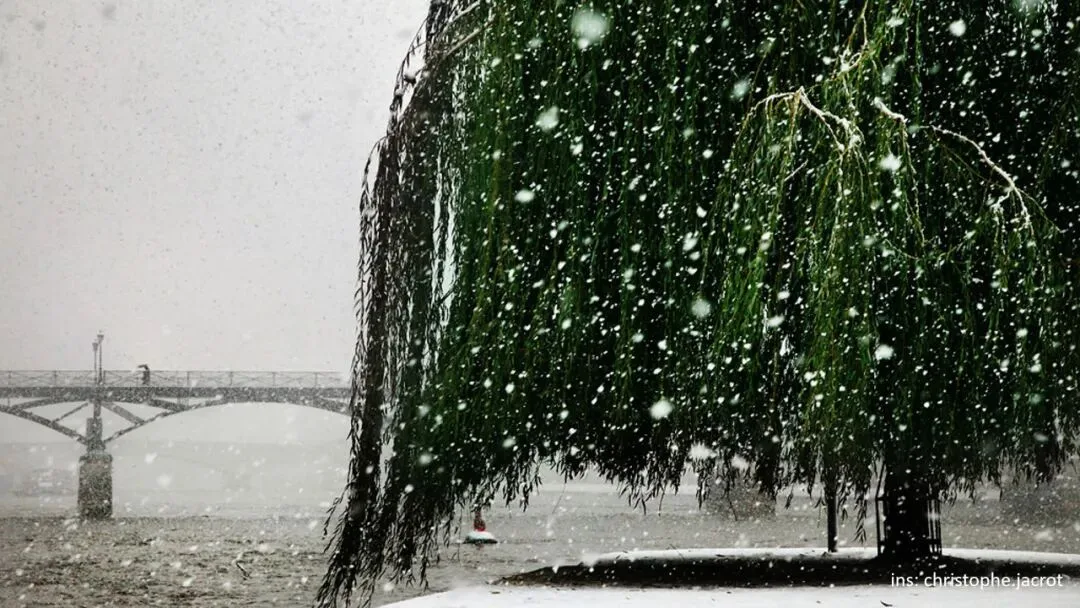
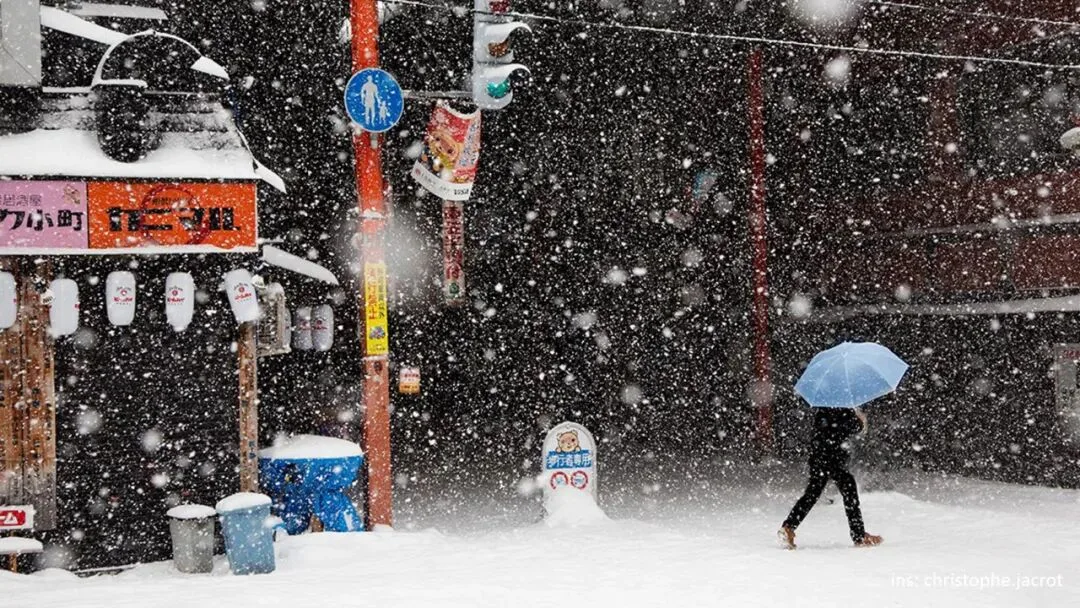
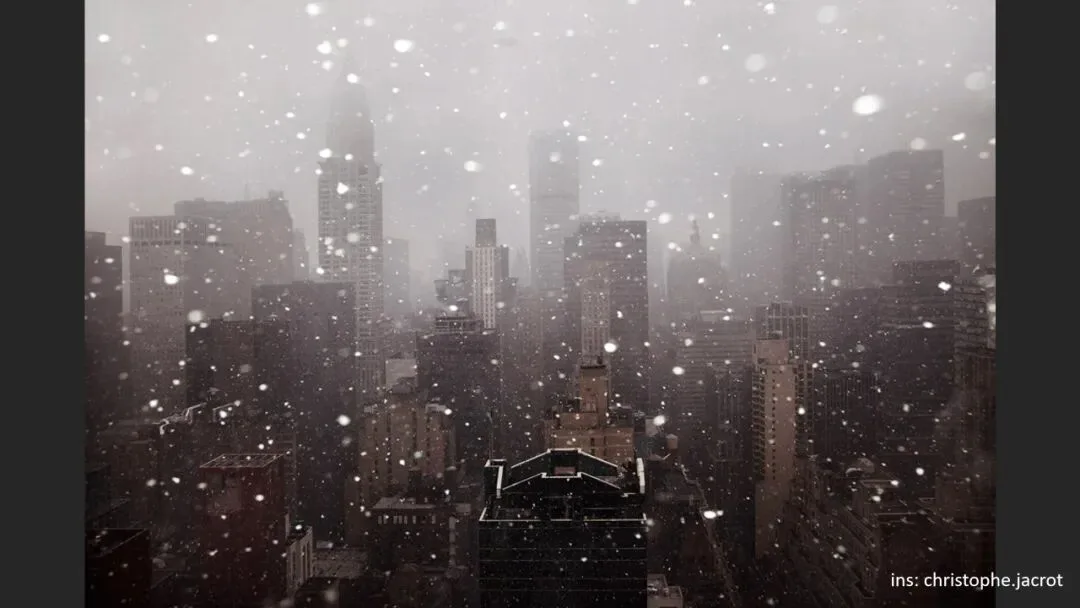
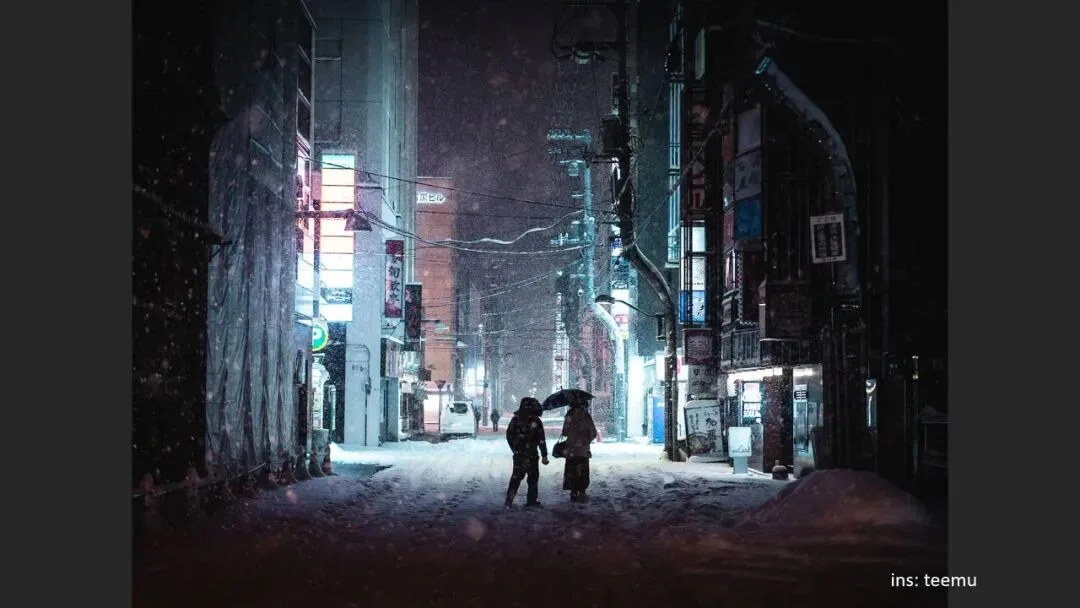
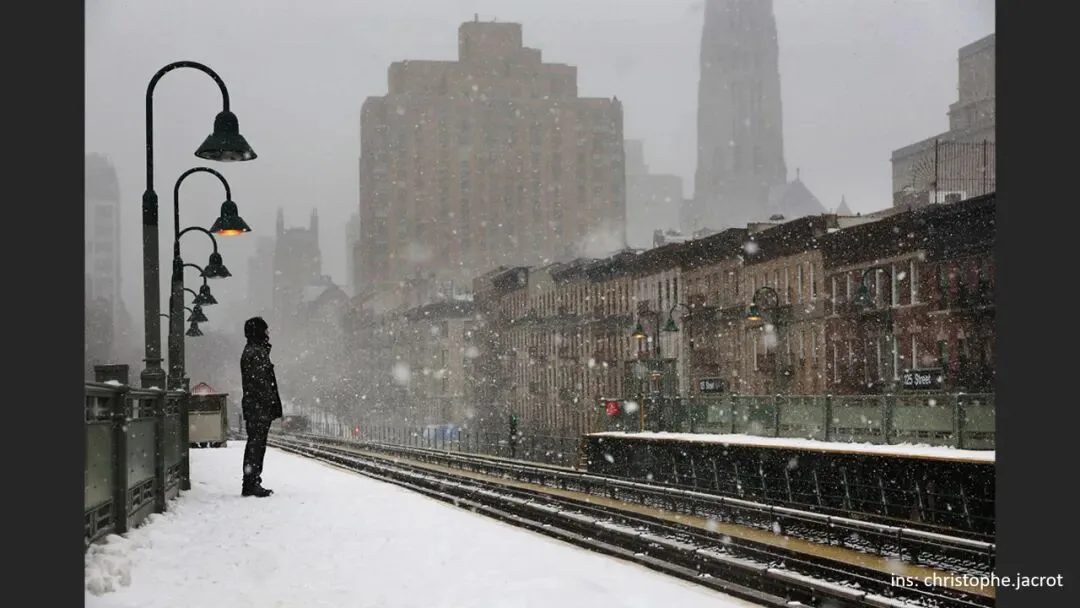
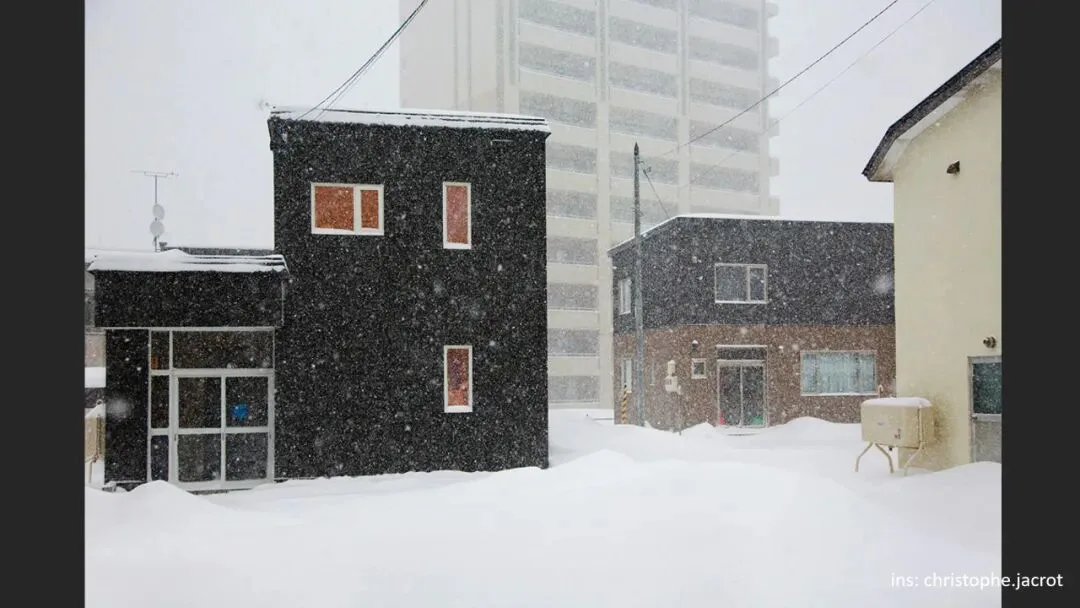
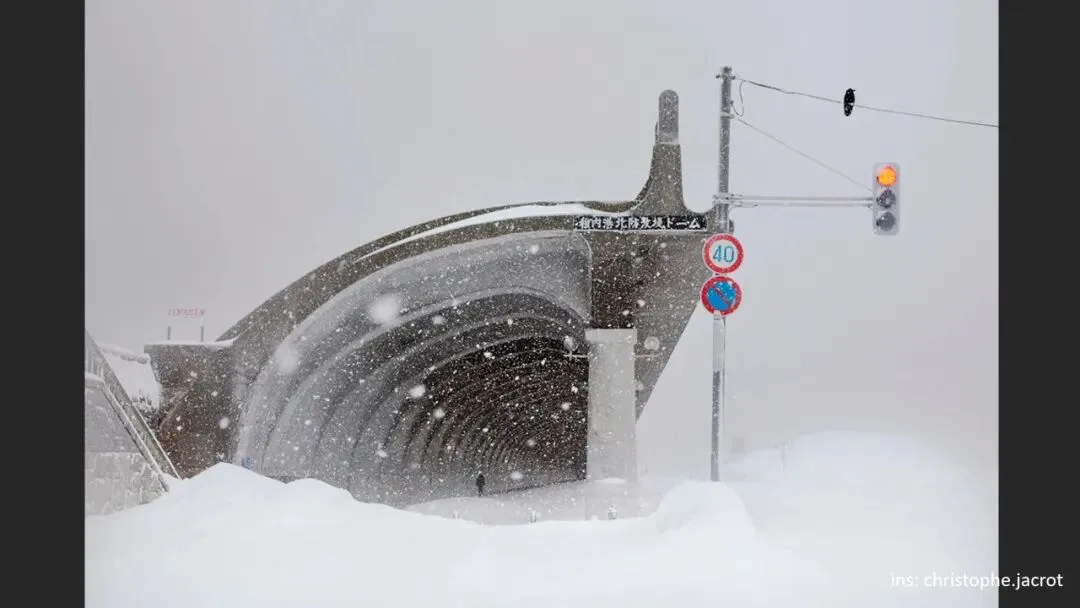
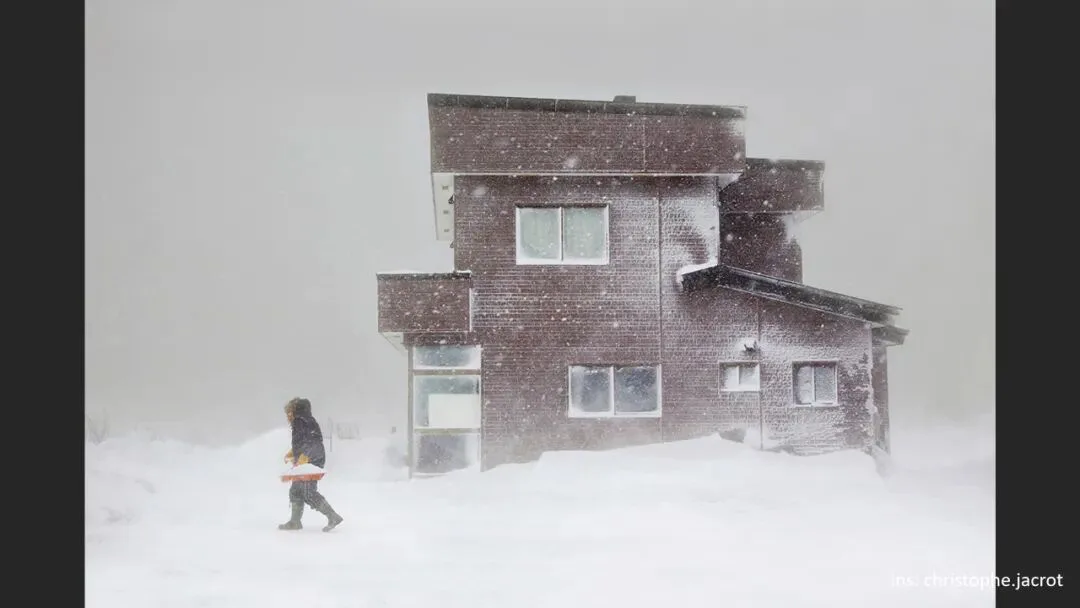
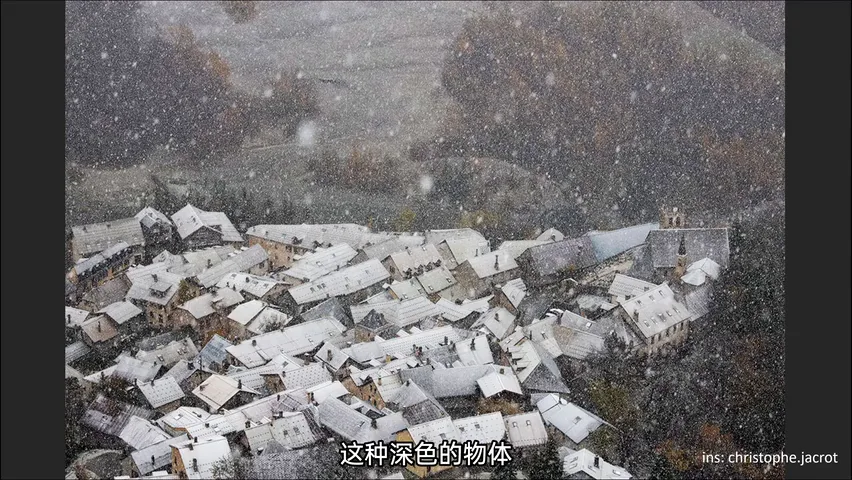
The photographer Christophe Jacrot builds his style on exactly this: his backgrounds are always deep — black, dark blue, dark green. In the same setting, snow vanishes against a white sky, shows against a grey building, and pops dramatically against a black one. A deep-red house or a tunnel that sets off the snow works the same way; and shooting from a drone or high vantage point over ground and sea — anywhere not buried in snow — the surface runs much darker than the flakes, revealing the falling snow (at 5:56 in the video).
1. Rain and snow vanish because they are fine-grained and match the background in brightness, texture and color — the fix is separation; 2. Frontal flash lights nearby flakes, the only answer on overcast days, with the aperture stopped to about F4 to avoid oversized foreground flakes; 3. Backlight is king of atmosphere — sun, headlights, street lamps rim the flakes from behind, while unlit rain just reads as noise; 4. Hunt for dark backgrounds — black buildings, teal sea, tunnel mouths — and let the falling snow reveal itself.
PPT