Photography Tutorial · 2019-04-28
Selections, Channels, and Masks in PS: Their Relationship and Uses, Explained
Thomas Chu Photo
Selections, channels, and masks are three important concepts in Photoshop — and tools frequently used for local adjustments in photo post-processing.
In today's tutorial, Thomas clarifies the relationship between the three, how they convert into one another, and their common uses.
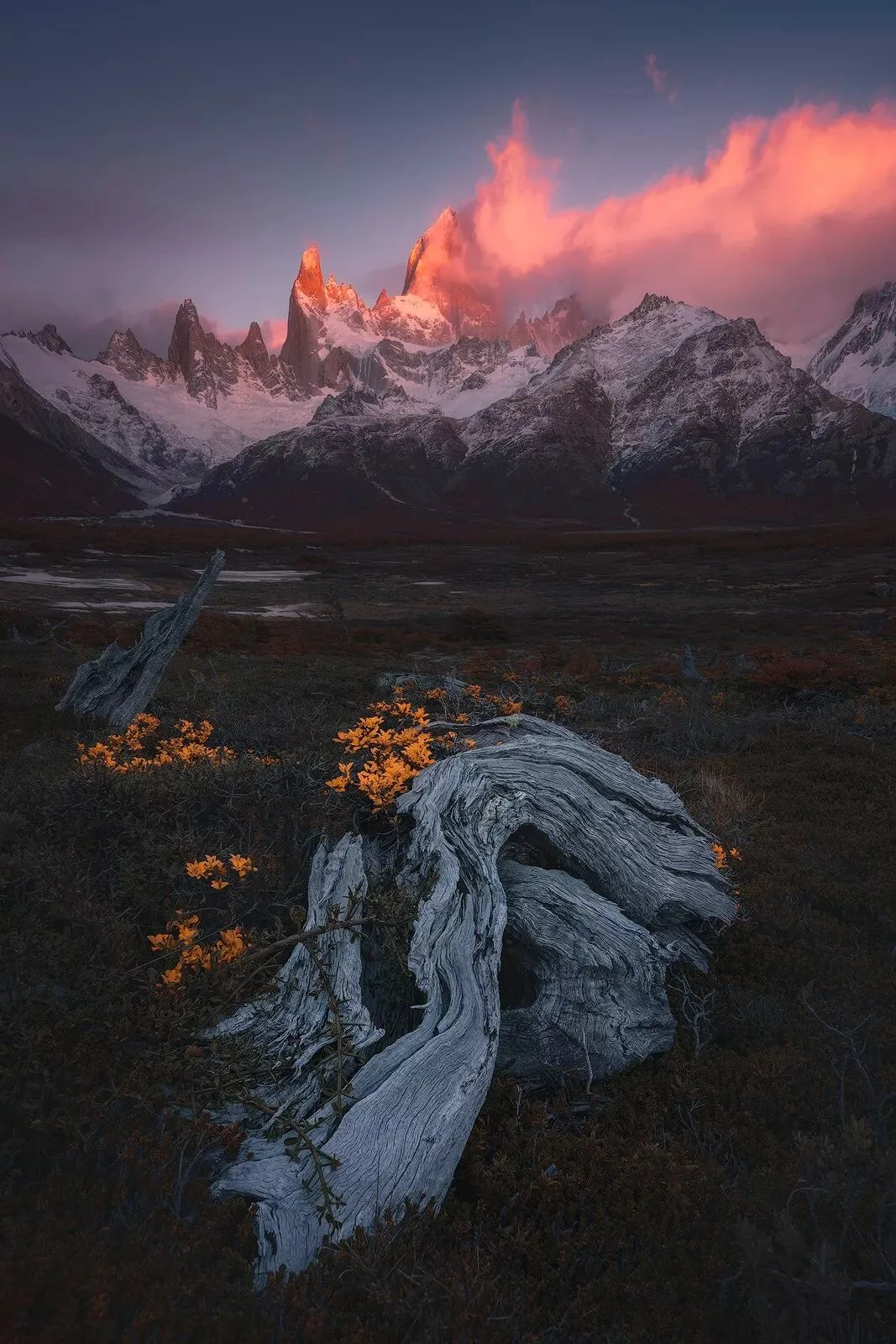
Video Tutorial
HD video:
https://www.bilibili.com/video/av50626675/
Be sure to memorize the diagram below.
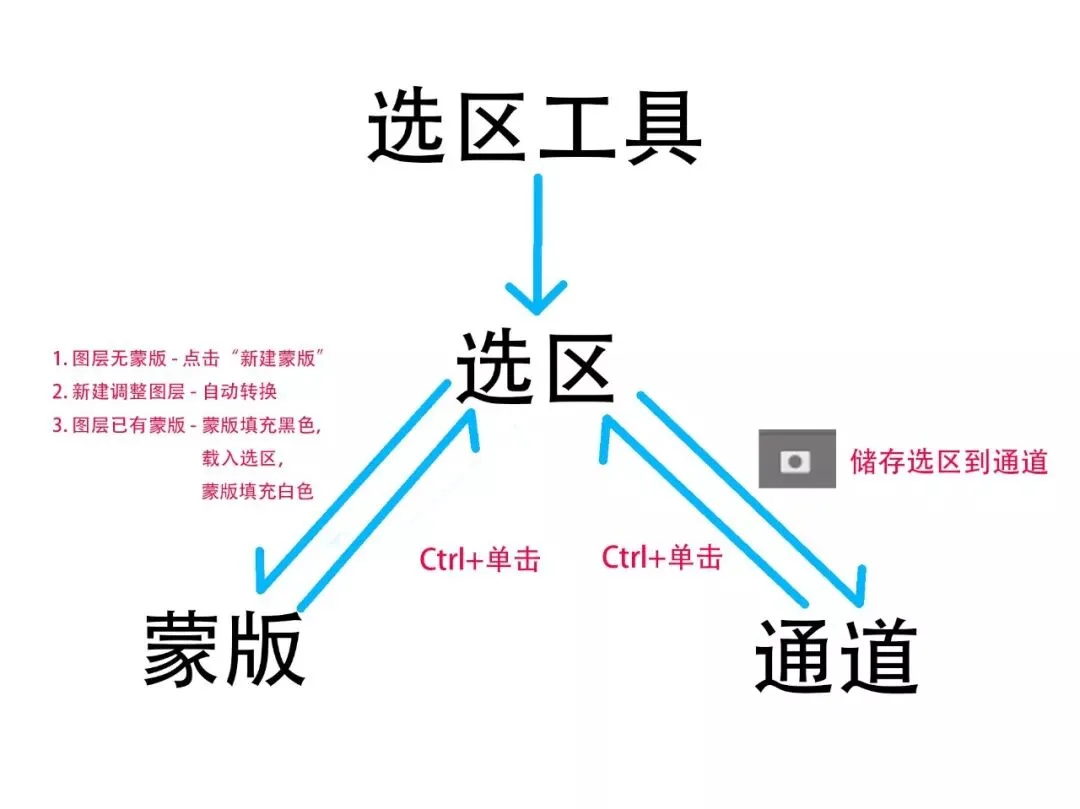
1) Complex selections are best saved as Alpha channels so they can be reused later.
2) Not only can Alpha channels be converted back into selections — ordinary luminosity channels and the red, green, and blue channels can also become selections, sometimes working wonders for cutouts.
3) Selections and masks also convert into each other, confining a layer's effect to the selected area. There are three cases when converting a selection into a corresponding mask.